Odoo Inventory: stock always up to date, without Excel chaos
No more searching for goods that should be there.
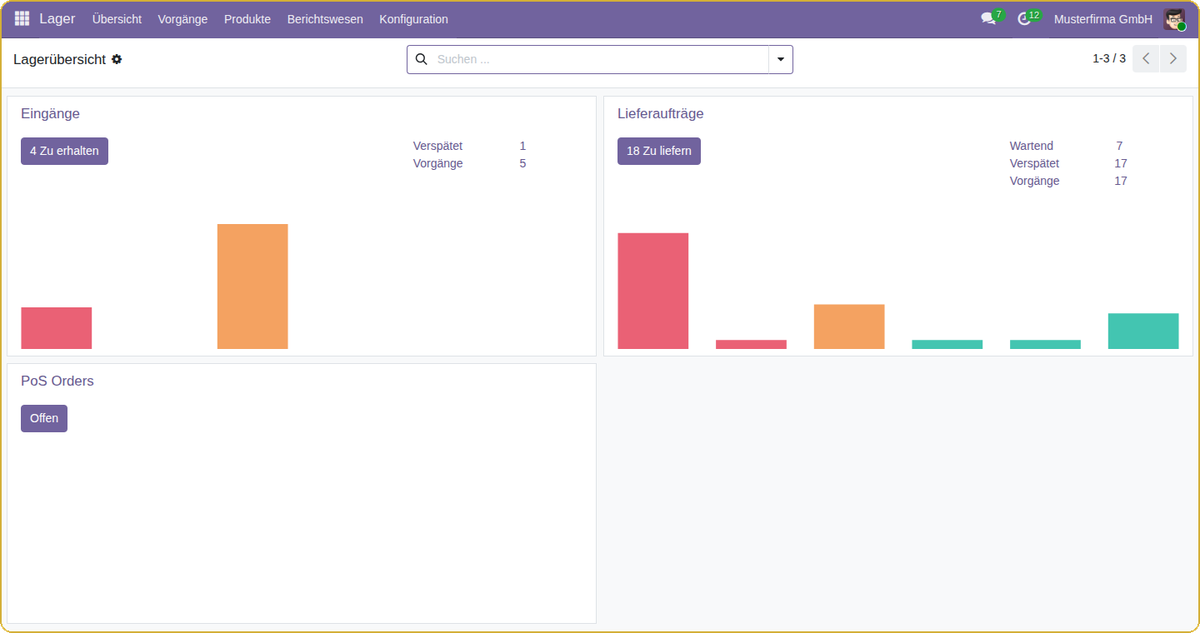
Example view from Odoo Inventory – with your own data and your branding.
Example: what it can look like in everyday work
Fictional example for illustration, not a client project.
A small spare-parts dealer keeps stock in several Excel spreadsheets that are never quite up to date. With inventory management, every goods receipt and every sale is booked automatically, minimum stock levels automatically trigger reorders, and several storage locations can be viewed at any time. For small businesses in Lower Austria, this means: no more searching for goods that should be there.
Your benefits at a glance
✓ Every goods receipt and every sale is automatically booked to stock
✓ Minimum stock levels automatically trigger reorders before anything runs out
✓ Several storage locations or vehicles can be managed separately yet centrally
✓ Products with barcodes: find and sell them with a scanner instead of typing
Frequently asked questions
Interested?
Let’s clarify in a short, no-obligation conversation whether and how this can be implemented for your business.
Request a free initial consultation All applicationsHow introduction, hosting and costs work is explained on the page Services. More about the software: Odoo introduction in Austria.